Generate scenes from verse selections and timing templates
Open source Quran production
Quran Studios brings generation, synchronization, and listening together so you can produce quality content without leaving your creative rhythm.
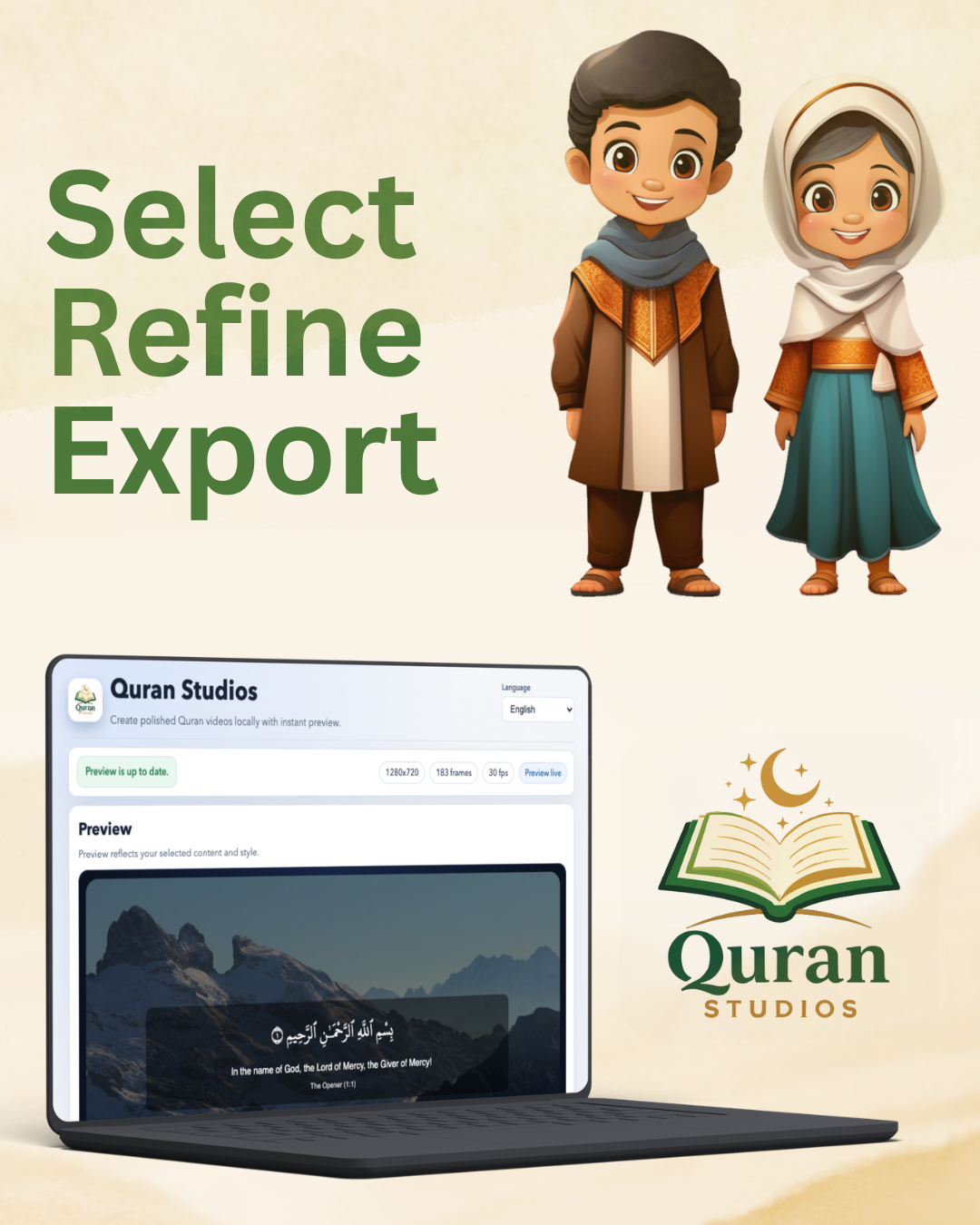
Draft preview: verse-by-verse composition with synced narration
Our Mission
To help spread the Quran by giving creators an open source tool to generate videos with meaningful visuals and accurate recitation context in one workflow. Because every video shared is a sadaqah jariyah — a continuous act of giving.
Whether you are a student, educator, or content creator, Quran Studios is built to support learning, preserving intention, and sharing with clarity.
Generate scenes from verse selections and timing templates
Review and refine recitation and subtitles together
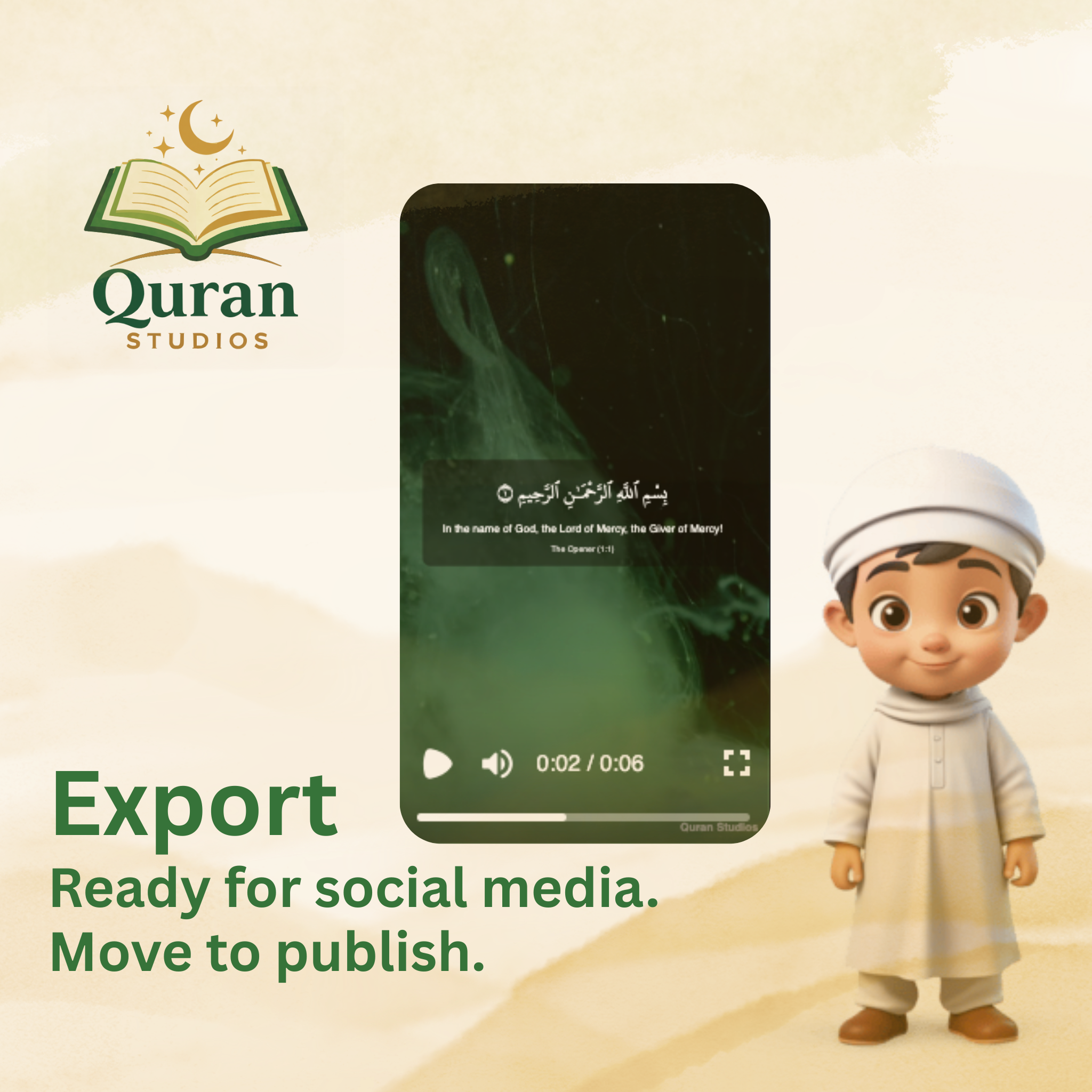
Export media ready for social and classroom publishing
Core Capabilities
Smart presets create coherent verse-driven compositions so you can focus on voice and message.
Align recitation, narration, and on-screen visuals in a single timeline for clean results.
Publish to social and classroom formats with minimal friction from one project source.
Preview, adjust, and iterate quickly with lightweight controls and local-first state.
How it works
Choose verses, choose a template, and define your visual style and audio cadence.
Generate a complete draft automatically and play back a synced preview of visuals and recitation.
Tweak timing, replace placeholders, and export in the format that fits your audience.
Download
Replace placeholder download links with actual release URLs when available.
Desktop App
Release placeholder
Desktop App
Preparing Windows installer and installer notes.
Desktop App
Flatpak/AppImage build is planned.
FAQ
Yes. Quran Studios is intentionally open source so the community can contribute templates, workflows, and localization improvements.
Most creative work happens locally. Internet is only required for optional update checks and optional remote media references.
The local workflow supports common audio codecs and common subtitle/time-coded metadata formats used by Quranic content teams.
Yes. Every placeholder in a project can be replaced with your preferred voice, background image, and title track before final export.
Yes. Project files, audio caches, and export settings are stored on your machine by default.